G350 guides
Practical guides and tips for your G350
Clear guides to help you choose, set up and use your G350: microSD cards, systems, emulation, battery life and comparisons, with no promises beyond the verified facts.
-
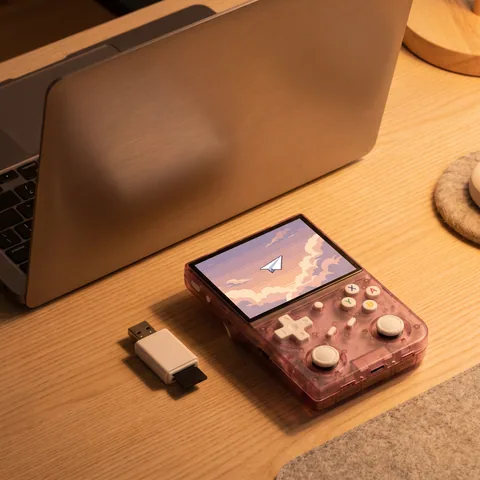
G350: how to add games and get started
G350 setup guide: charging, the two microSD slots, backing up both cards, copying your own games to the TF2 card and using the M button.
Read -
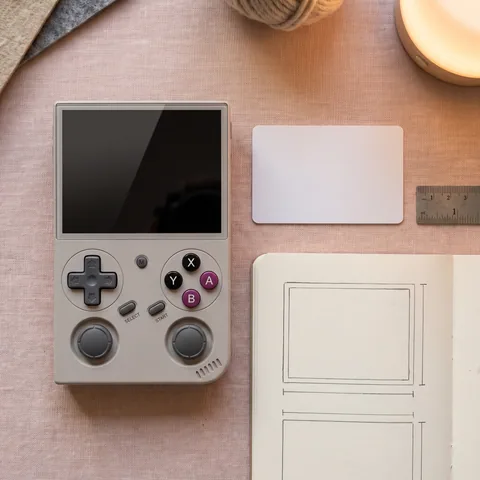
G350 vs R36S vs R36 Max: which should you choose?
G350, R36S or R36 Max: the same RK3326 chip, but different sizes, screens, controls and batteries. A clear comparison to help you pick the right console.
Read -
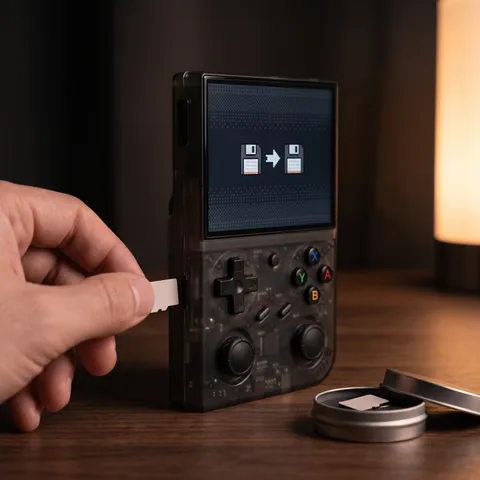
G350 and ArkOS: should you switch to custom firmware?
Stock system, ArkOS, dArkOS, ROCKNIX: why you might change the system on the G350, why you might not, and how to try one without risking the original card.
Read -
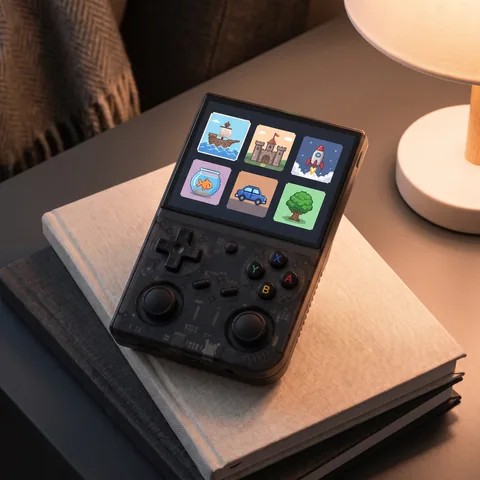
G350 emulation guide: which games run well?
What the G350's RK3326 chip runs well, system by system: 8 and 16-bit, arcade, GBA and PS1, plus its limits with N64, PSP, DS and Dreamcast.
Read -
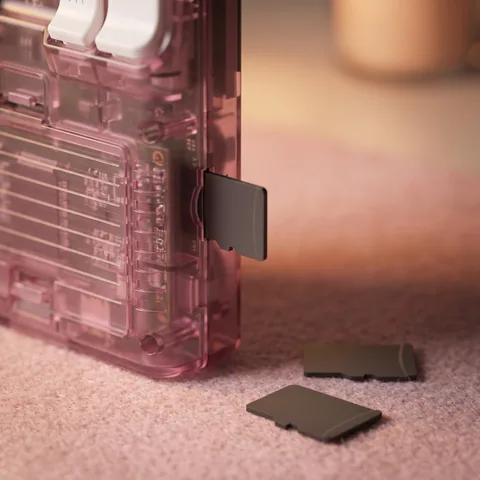
G350 microSD card: 64GB or 128GB, which to choose?
The G350 has no internal memory. What its two microSD slots do, real space after formatting, 64GB or 128GB for your systems, and backing up the card.
Read -
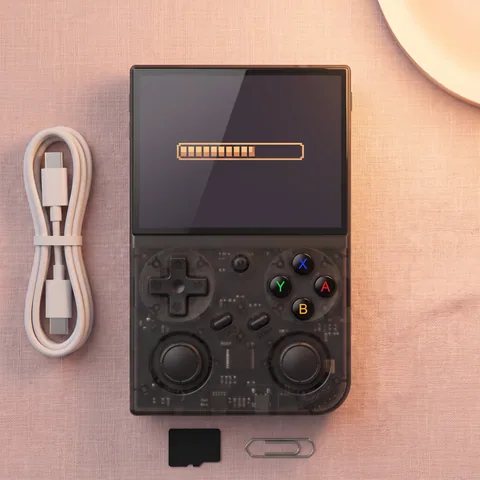
G350 won't turn on or stuck on loading? What to check
G350 stuck on the loading screen or won't turn on? Charging, the TF1/INT system card, the Reset button, a backup copy: the checks in order.
Read


Our guides draw on the manufacturer's documentation, supplier listings and published reviews. They do not describe any testing carried out by us.